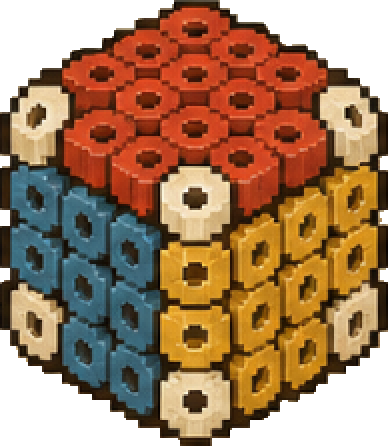
How to Make 3D Perler Bead Patterns
Turn a picture or 3D model into bead parts and inspect the assembly before you start making
Start with what you have
Turn an Image into a 3D Perler Bead Pattern
Choose a clear picture then inspect the generated 3D shape bead parts and assembly steps
Convert a 3D Model to a Perler Bead Pattern
Upload a GLB STL or OBJ file and inspect bead layers color counts and assembly connections
How to Read and Print 3D Perler Bead Patterns
Use part IDs color codes material counts and assembly order to prepare your printable bead pattern
1 Choose a clear shape
Use an image with one subject and an uncluttered background Thin details and small gaps can disappear when converted to beads Start with a shape you can recognise at a small size
2 Upload your image or model
Sign in and upload a JPG or PNG image If you already have a 3D model upload a GLB STL or OBJ file instead
3 Inspect the generated parts
Open the 3D viewer Rotate the model and explore the assembly steps Check small parts and connection positions before committing to a full build
4 Prepare your beads
Use the pattern and color counts to prepare your materials Check the displayed dimensions against your pegboard
5 Build and check the fit
Follow the part order shown in the viewer Use the instructions supplied with your beads for ironing Test the fit of connecting parts before making the whole model
Before you generate
Image to 3D uses 5 Jar per generation
New accounts receive 3 Jar
Top up before generating if your balance is below the required amount
View Jar packs