Image to 3D Bead Blueprints
Turn an image or 3D model into bead parts and printable assembly blueprints
Image to 3D costs 5 Jar per generation New accounts receive 3 Jar
Learn to make 3D Perler bead patterns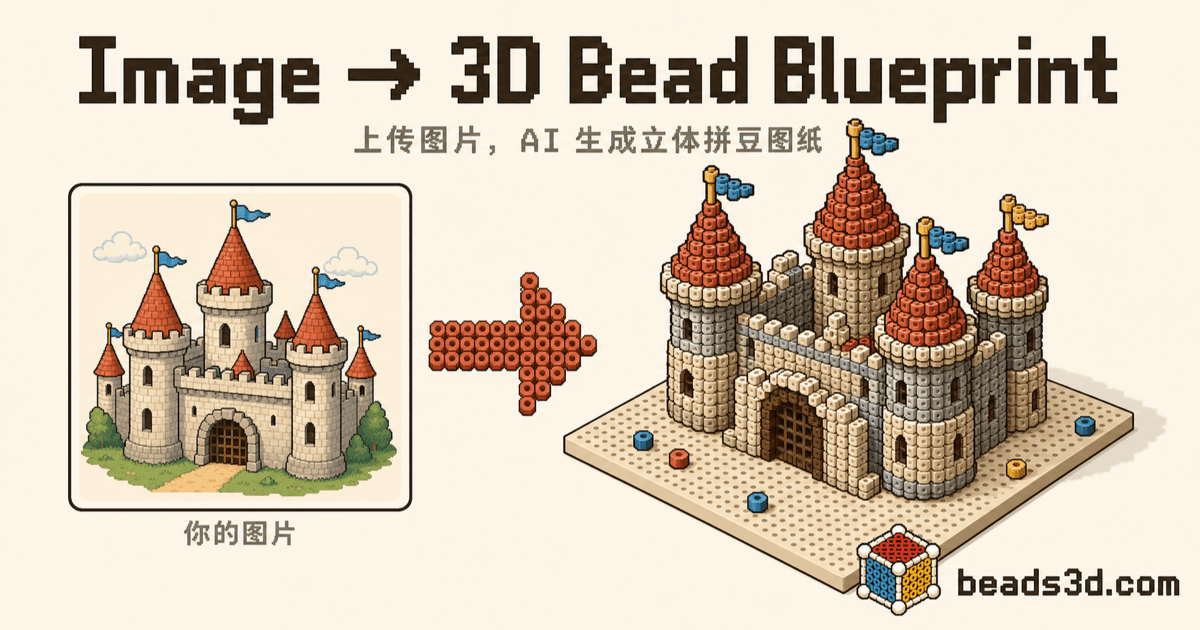
3D Perler Bead Examples
6 modelsExplore curated bead patterns and their creators


Choose how to start your pattern
Turn an Image into a 3D Perler Bead Pattern
Choose a clear picture then inspect the generated 3D shape bead parts and assembly steps
Convert a 3D Model to a Perler Bead Pattern
Upload a GLB STL or OBJ file and inspect bead layers color counts and assembly connections
How to Read and Print 3D Perler Bead Patterns
Use part IDs color codes material counts and assembly order to prepare your printable bead pattern
01
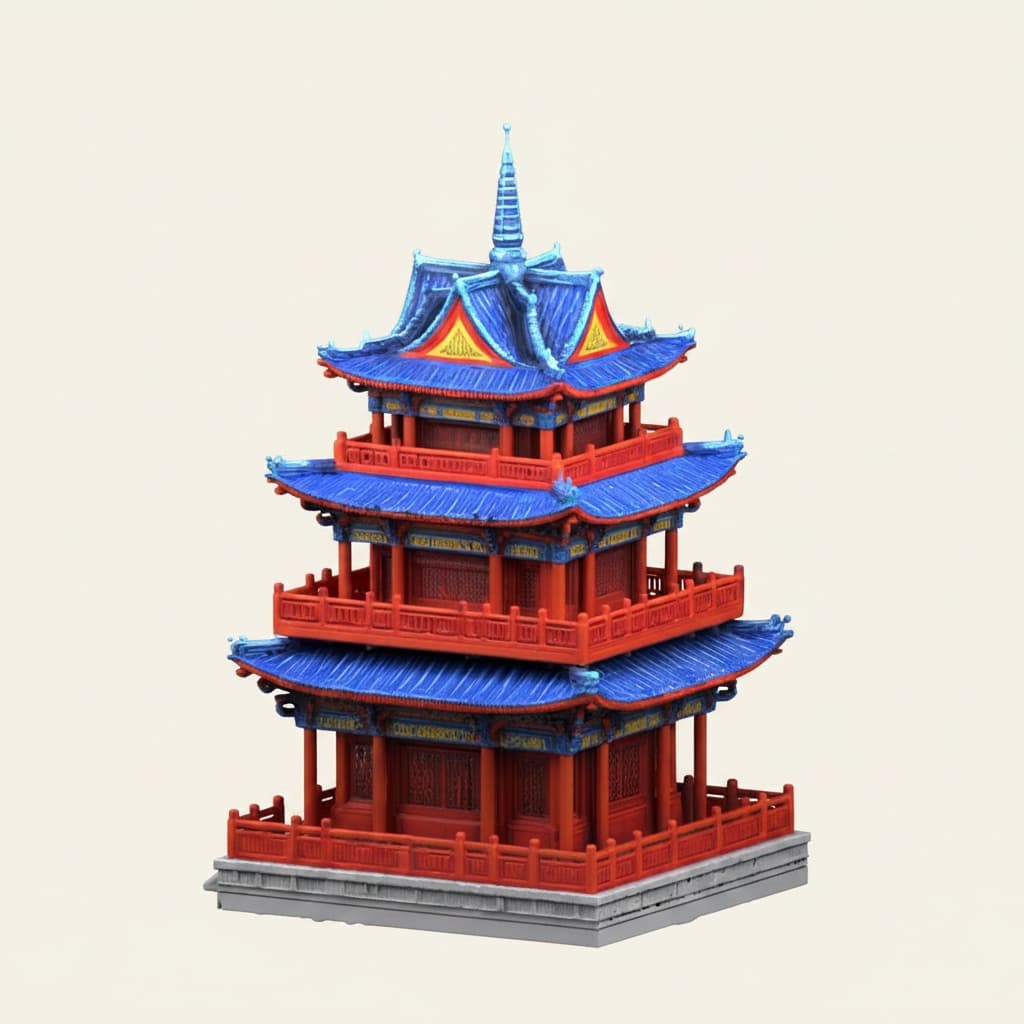
Upload image
Supports JPG, PNG images or GLB, STL, OBJ model files.
↑
02
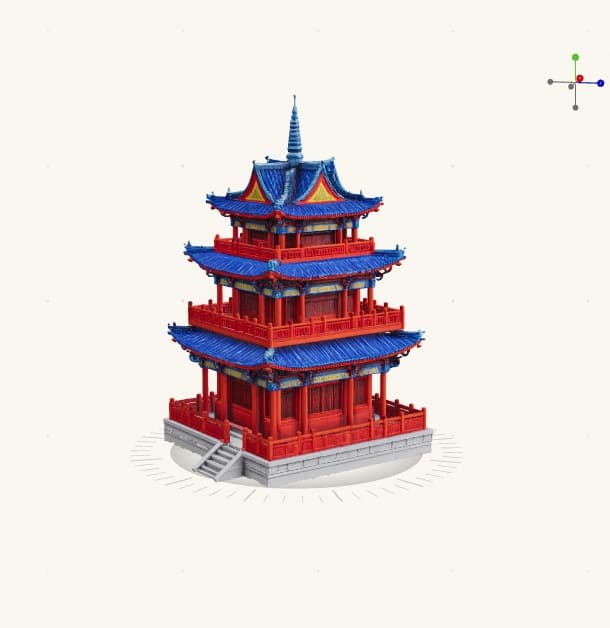
Generate 3D
Images are auto-converted to 3D models. Skip this step by uploading a model directly.
03
Bead preview
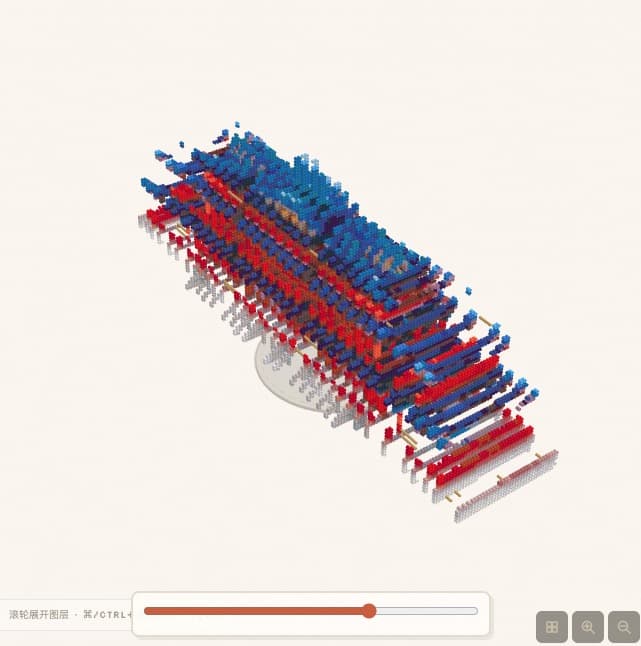
The model is split into 3D bead parts. An exploded view shows each layer and assembly order.
04
Get blueprints
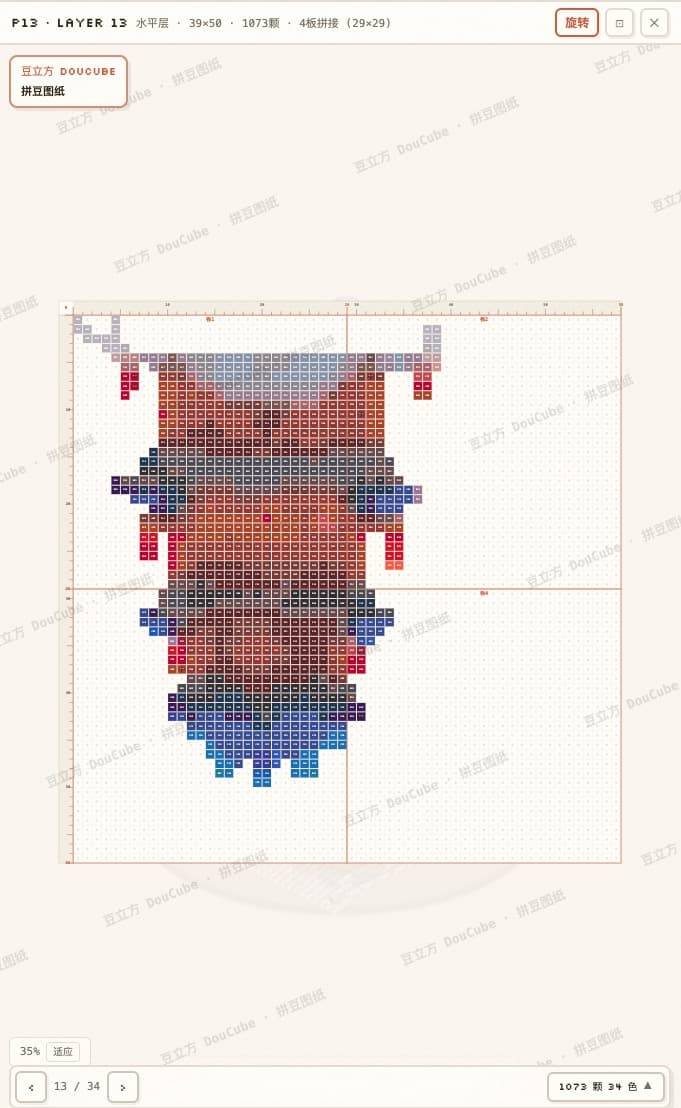
Each layer shows coordinates and color codes. Pinch to zoom — follow on screen or on paper.
3D FUSE BEAD PATTERN MAKER
Turn one image into a 3D Perler bead model you can actually build
Most bead pattern makers stop at a flat pixel grid. Beads3D analyzes the model volume, separates it into ironable parts, plans the assembly order, and produces blueprints with coordinates and color counts. Start with a photo, illustration, or existing 3D file and get practical build steps instead of only a rendering.
Automatic 3D part splitting
Convert a three-dimensional form into pegboard-friendly layers, with an exploded view showing the position and orientation of every part.
Colors and bead counts
Each layer includes coordinates, colors, and quantities so you can check materials before starting the build.
Printable assembly guide
Generate a PDF guide designed for screen or print, covering ironing, joining, and step-by-step assembly.
3D Perler bead questions
What is a 3D Perler bead blueprint?
It is a set of separate fuse bead patterns that can be arranged, ironed, and joined into a three-dimensional model. Beads3D also provides part positions, assembly order, colors, and bead quantities.
Can I turn an image directly into a 3D bead pattern?
Yes. Upload a JPG or PNG and the system first creates a 3D model, then converts it into buildable bead parts. You can also upload a GLB, STL, or OBJ file to skip image-to-3D generation.
Can I print the generated bead patterns?
Yes. After processing, you can generate a PDF assembly guide with layer patterns, colors, coordinates, material counts, and build steps.
Which fuse bead brands and sizes are supported?
Results use a general bead grid and color mapping that you can check against your actual beads and pegboards. Brands differ in color and melting behavior, so test a small sample before a final build.
How is a 3D bead pattern different from a normal 2D pattern?
A 2D pattern is usually one flat grid. A 3D build needs multiple ironable parts, dependable joining positions, and a clear assembly sequence, so its blueprint contains much more structural information.
Get Jar
Get 3 Jar when you sign up
Image to 3D uses 5 Jar per generation
Earn 1 Jar per referral signup
Both people can receive 1 Jar when a friend signs up through the invite link
Up to 3 signup rewards daily and 10 referral rewards in total