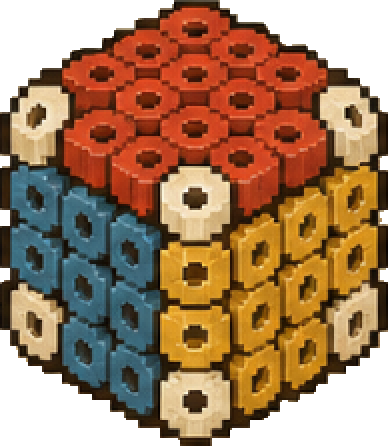
Convert a 3D Model to a Perler Bead Pattern
Upload a GLB STL or OBJ file and inspect bead layers color counts and assembly connections
Start with a model you already have
Sign in and upload a GLB STL or OBJ file from My Models Starting with a 3D file skips the image to 3D generation step
STL usually contains shape information without model colors If color matters check the uploaded preview before proceeding
Prepare the model before upload
Keep the subject you want to make and remove unrelated background objects Check for obvious missing surfaces and isolated fragments
Very thin edges narrow holes and detached small objects may not survive at your bead scale Inspect these areas after conversion
Plan the size and materials
Pattern dimensions are estimated from the grid and bead spacing The three axes follow the model coordinates and are not measurements of a physical build Ironing and joining affect the finished size
Check the bead diameter recorded color brand and pegboard count together Do not assume the source file dimensions describe the finished bead model
Review the parts before making them
Select individual parts in the viewer and check their colors and connection positions Use the rod lengths and counts recorded in the current pattern
Make and test a small set of important connecting parts first Then continue through the assembly sequence
Explore a real pattern
These are generated model previews with material and part details They are not photographs of finished builds